

Where do I register for the SAT
Signing up for the digital SAT is a multi-step process, but this guide will walk you through it. The process can be broken down into three main parts: registering on the College Board website, downloading the Bluebook™ testing app, and completing a quick “Exam Setup” in the app a few days before your test.
Understanding these phases from the start helps you avoid last-minute surprises and walk into the test center with confidence.
Step 1: Find the Official SAT Sign-Up Page and Beat the Deadlines
The only official place to register for the SAT is on the College Board website. This ensures your information is safe and your registration is valid. To get started:
- Go to College Board SAT Registration
- Sign in with your College Board account. (If you took the PSAT, you already have one.)
Pay close attention to the SAT registration deadlines found on the official calendar. Signing up by the main deadline is the easiest way to avoid extra costs. If you register during the late period, you’ll be charged a late registration fee. Miss that second deadline, and you won’t be able to test on your chosen date.
Your Digital SAT Registration Checklist: What to Have Ready
To make your sign-up experience fast and frustration-free, have these items ready before you begin:
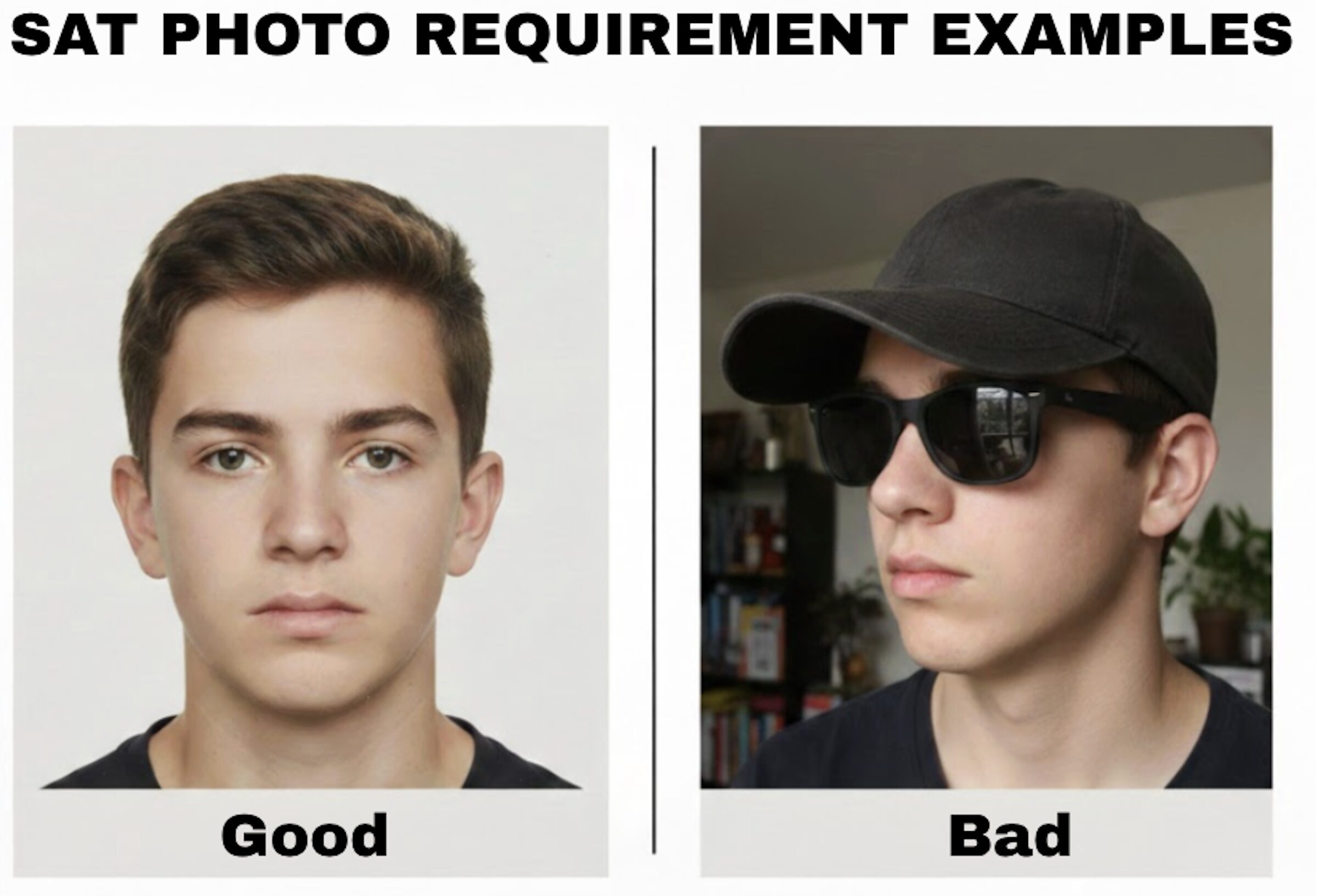
- A recent photo: A clear headshot of just your head and shoulders, similar to a passport photo. Your photo becomes part of your digital admission ticket and is used to identify you on test day, so make sure it’s a clear picture of just you, with no social media filters, hats, or other people.
- Your high school’s CEEB code: The website has a search tool if you don’t know it.
- A form of payment: To cover the registration fee.
As you move through the registration form, you will also be asked to pick a test center from a list of available locations in your area. Getting these details right ensures your registration won’t be delayed or rejected.
How Much Does the SAT Cost? Fees and Fee Waivers
Fee for the 2024-2025 academic year is $68 within the U.S. For students taking the test outside the United States.$68, plus a $43 international fee total $111. Registering for the SAT includes a standard fee. Because the cost of SAT test registration can change, the most reliable place to find the current price is on the official College Board website. Check there directly to see the current registration and late fees.
However, the test can be completely free for many students. The College Board offers fee waivers to eligible students from lower-income households, which cover the full registration cost. To use a fee waiver, speak directly with your school counselor. They can confirm your eligibility and give you the information needed to register at no cost.
Step 2: Download the Bluebook App After Registering
Once your online registration is complete, the next mandatory step is to download the official testing software: the Bluebook app. This is where you will take the digital SAT. The SAT sign-up process has two parts: registering online and then preparing your device.
You must download the Bluebook app onto the exact laptop or tablet you plan to use on test day. Installing it on a different device won’t work, as your test will be tied to the machine you bring to the test center. You can download the app from the College Board’s official Bluebook page, which also provides troubleshooting help.
What Is ‘Exam Setup’? Your Critical Final Step
The final check-in is called Exam Setup, and it’s a mandatory step that downloads the test onto your device ahead of time. This guarantees your specific test is on your device and ready to go.
Completing Exam Setup in the Bluebook app is fast, but the timing is strict:
- What: A quick process inside Bluebook that downloads your test materials.
- When: You must do this between 1 and 5 days before your test. It cannot be done on test morning.
- Why: This step confirms your device works and prevents technical glitches at the test center.
Completing Exam Setup is the single best thing you can do to guarantee a smooth start on test day.
How to Find Your SAT Admission Ticket in the Bluebook App
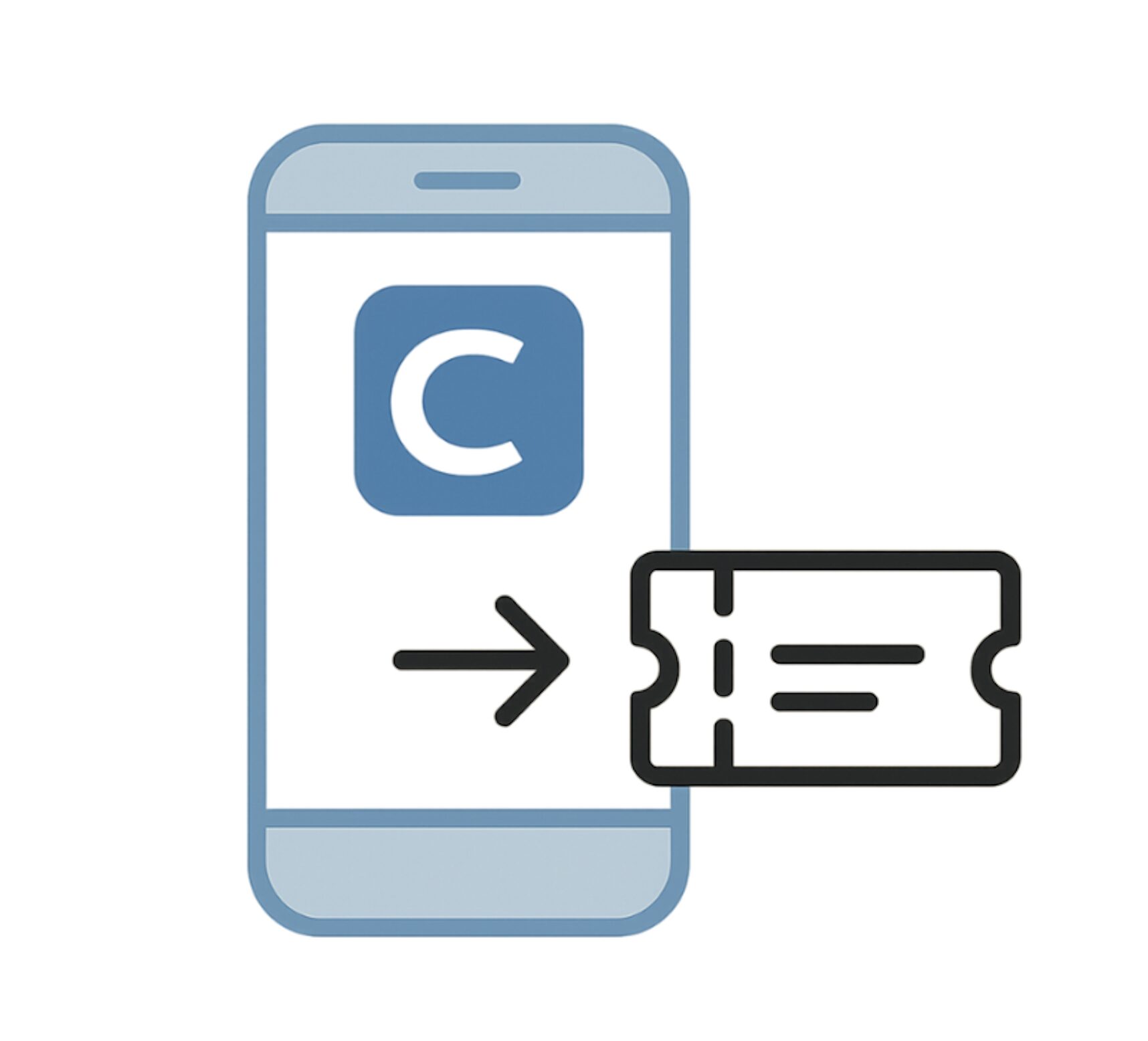
With the digital SAT, the paper admission ticket is a thing of the past. Your proof of registration is 100% electronic and lives inside the Bluebook™ app. But highly recommended printed admission ticket as a back up.
After you complete the mandatory Exam Setup process 1–5 days before your test, your digital ticket automatically appears. You do not need to print anything. For admission, you will simply open Bluebook on your fully charged device to show your on-screen ticket at the test center.
Your SAT Registration Is Done: Final Checklist for a Calm Test Day
You now have a clear path to master the new digital registration process. Use this final checklist to ensure you’re ready:
Your Final SAT Checklist:
- Register: Complete your registration and choose a test center on College Board SAT Registration
- Download Bluebook™: Install the official testing app on the exact device you will use on test day.
- Complete Exam Setup: Open Bluebook 1–5 days before your test to download your exam and verify your device.
- Confirm Digital Ticket: After setup, ensure your admission ticket is visible within the Bluebook app.
- Printed Admission Ticket (Highly Recommended): As a backup, bring a printed copy of your ticket. This is the safest way to handle unexpected emergencies, such as device glitches or battery failure.
- Physical Photo ID: You must bring a physical, valid photo ID (e.g., Passport or Student ID). Digital photos of IDs on phones are not accepted.
- Power & Charging: Fully charge your device the night before and bring your own power cable and adapter. While most centers have outlets, being self-sufficient is essential for a stress-free experience.
By following these steps, you’ve replaced uncertainty with control. You can walk into your SAT test day focusing on what matters—your performance—knowing all the technical details are handled.
What’s Next?
Ready to get started on your digital SAT prep? Sign up for The SAT Crash Course that will help you build your concept foundation. The course recommends you just the right lessons and questions to tackle, helping you improve fast. Start now!