

How to Cancel an SAT Test Registration
Plans changed and you can no longer make your SAT test date? Learning how to cancel SAT test registration is a manageable process you can complete online. We’ll walk you through the exact steps in your College Board account so you can take care of it in just a few minutes.
How to Cancel Your SAT Registration Online
If you need to withdraw from an SAT exam, the College Board provides a straightforward online process.
Here is the five-minute process to secure your new spot:
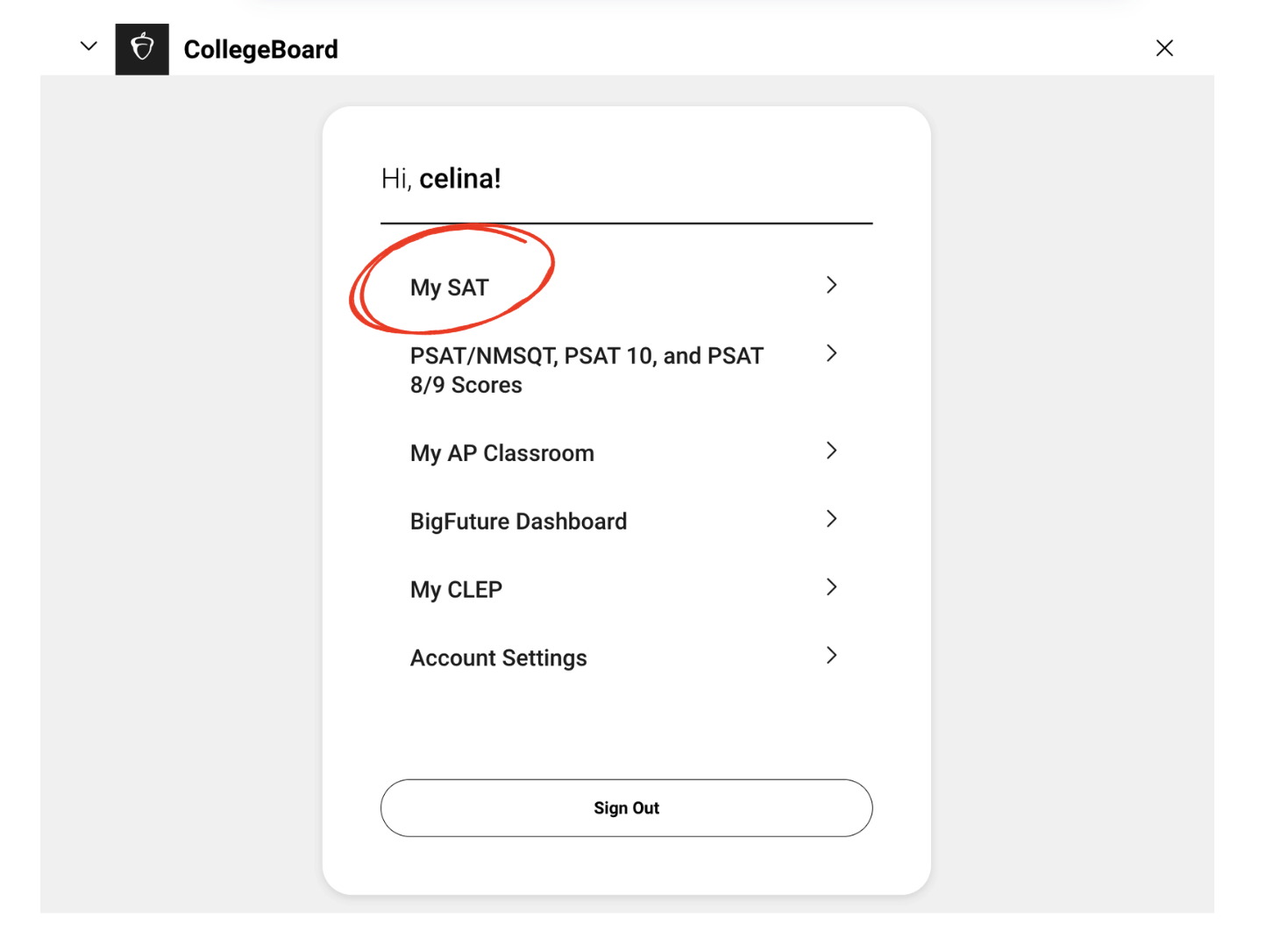
- Log In to Your College Board Account: Go to the College Board website and sign in to your “My SAT” account using the same credentials you used to register.
- Navigate to ‘My SAT’: Locate your current registration details on your dashboard.
- Select ‘Cancel Registration’: From the list of options in the “I would like to” menu, click on Cancel Registration.
- Review and Pay the Change Fee. Confirm your new details are correct and submit the payment to finalize the change.
Will You Get Your Money Back? A Guide to SAT Refund Rules
Thinking about canceling your SAT? Whether you can get a refund—and how much—depends entirely on when you take action. Missing the deadline is like trying to return an item after the store’s return window has closed: you simply forfeit the fee.
Official Refund Breakdown
The College Board allows cancellations, but they deduct a “cancellation fee” from your original registration payment.
- Cancel Before the Change Deadline: You will receive a refund of your registration fee minus a $34 cancellation fee.
- Cancel After the Change Deadline (until Thursday 11:59 p.m. ET before test day): You will receive a refund of your registration fee minus a $44 cancellation fee.
- Cancel After Thursday 11:59 p.m. ET: No refund. If you miss this final cutoff, you will forfeit your entire payment.
2026 SAT Deadlines: Mark Your Calendar!
To get even a partial refund, you must act before these specific dates.
| SAT Test Date | Registration Deadline | Deadline for Changes & Regular Cancellation |
| Mar 14, 2026 | Feb 27, 2026 | Mar 3, 2026 |
| May 2, 2026 | Apr 17, 2026 | Apr 21, 2026 |
| June 6, 2026 | May 22, 2026 | May 26, 2026 |
What Happens If You Just Don’t Show Up for the SAT?
If you’ve missed every deadline for a refund or a date change, a third option is to simply not show up. There is absolutely no academic penalty for being a “no-show.” Your record remains completely clean, with no negative mark or mention of your absence.
Colleges will never know you were registered for a test you didn’t take. The College Board does not report absences to universities or include them on score reports. From an admissions officer’s perspective, it’s as if the registration never happened.
The major downside is financial. When you don’t show up, you automatically forfeit your entire registration fee. However, if the money isn’t a concern and the deadlines have passed, being a no-show is a valid, penalty-free way to handle an unwanted registration.
Your 3-Step Action Plan for SAT Registration Changes
Making the right choice for your SAT registration is easy once you know your options. Use this final checklist to act with confidence and pick the path that saves you the most time and money.
- Check Your Deadline: Log into your College Board account to find the exact cancellation deadline for your specific test.
- Compare Your Options: Based on that deadline, decide if canceling for a refund, paying to change your date, or simply not showing up makes the most sense.
- Take Action (or Don’t): Confidently cancel, reschedule, or relax knowing a no-show can be the right choice.
Whatever you decide, you can turn a potential headache into an informed, stress-free decision.
What’s Next?
Ready to get started on your digital SAT prep? Sign up for The SAT Crash Course that will help you build your concept foundation. The course recommends you just the right lessons and questions to tackle, helping you improve fast. Start now!